By Justin Carver · Updated August 2026 · Productivity
for Teachers and Students
Google Classroom, Canvas, school email, the library catalog, the six
sites the district pays for. I built a free page that puts all of
them one click away — and below, how to actually make it open
on a school Chromebook.
In This Article
What makes a good start page for school?
Homepage, home page, start page - people mean the same thing by
all three: the page your browser opens first. It earns its place
in a classroom if it does five things:
Opens instantly, on class or student computers, without an
install.
Puts the day's tools one click away: Classroom, Drive, school
email, classroom educational resources.
Shows no ads and nothing that autoplays.
Can be arranged by the person using it, not by a feed.
Costs nothing.
Best Homepage Ever
does all five. I built it and I run it on my own, so I know
exactly what it does and doesn't do — including the parts
below where the honest answer is “you can't, and here's
why.”
Why I wrote this
First off,
I'm not a teacher. I've never run a classroom,
or even used a Chromebook. I've also never had thirty kids wait
on me while I pulled up a website or login page. I just wanted
to help contribute, even in a small way, to help educators
and/or students organize their educational resources into a
single website.
So I am an amateur that saw a fun reason to open up my project
to a specific niche of people - teachers and students.
Why isn't Google Classroom enough on its own?
It's tempting to look at a school's software and conclude
something is missing. I don't think anything is. Classroom
handles assignments. Canvas and Schoology handle courses. Drive
handles files. Each is better at its job than anything I could
build, and I'm not going to pretend otherwise.
The gap is in front of them. Every one of those tools lives at a
URL somebody has to find first. Whether it's an organization
gap, or just a way to keep students clear of distractions, I
think my site may be useful, that's why I'm going to begin
offering students and teachers added benefits to using my site.
And, I plan on making it better and more catered as time goes
on.
And, as a kicker, each student can design their own classroom
(or school) homepage.
A start page is just the answer to "where do I click." And, I
really thought it might be useful for students to have a
centralized place to access their most-used educational
resources.
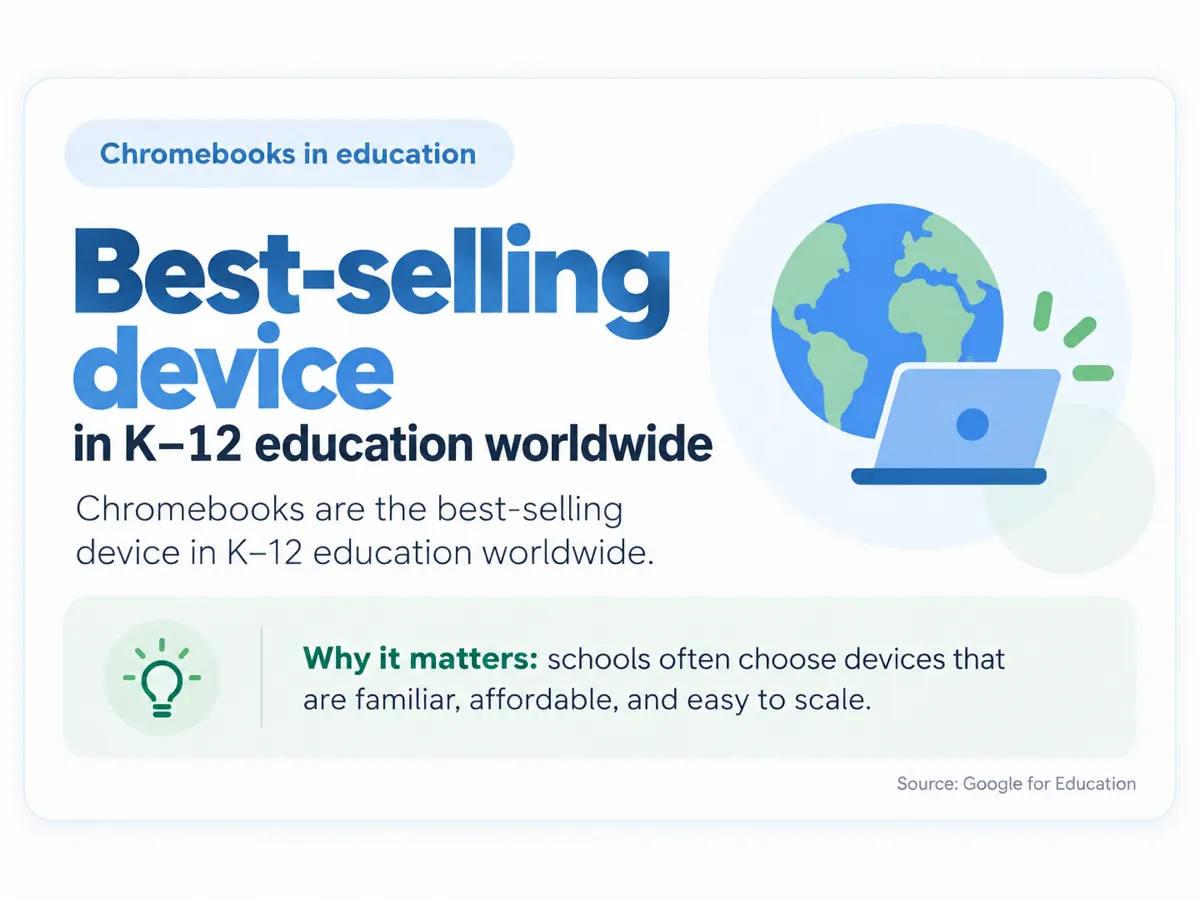
Chromebooks are the best-selling device in K–12
education worldwide, which is why most of the setup advice
below is written for Chrome. Source:
Google for Education.
What should a student put on their start page?
Keep it to what gets used in a normal week. A student page that
tries to hold everything becomes another thing to search
through.
Daily LMS: Google Classroom, Canvas, or
Schoology, whichever the school runs. This is the one link
that gets clicked every day.
School email and Drive, separate from any
personal account.
The library: the catalog and any research
databases the school pays for. These are the links students
most often don't know exist.
A citation tool and whatever writing or
reference site the department has standardized on.
A clock or timer, if the day is structured in
periods.
The irony with all of this, is I created this site 20 years ago
for myself, for this exact reason!
What should a teacher put on their start page?
A teacher's version is a different page, because the job is
different. Alongside the school links, the ones I'd expect to
matter:
The gradebook or SIS, which is often a
separate system from the LMS and a separate login.
Attendance, if it isn't in the same place.
You can link to individual spreadsheets in seconds, or to a
page that lists all of them.
The lesson-planning doc or folder currently
in use, linked directly rather than found through Drive.
Whatever gets projected: a timer, a
random-name picker, a noise meter, a slide deck.
There's a second reason to keep a deliberate page as a teacher:
it's what the class sees. A homepage covered in ads, or one that
shows a personalized news feed, is on the projector too.
Why does an ad-free homepage matter more in a classroom?
On a personal machine, ads on a homepage are an annoyance. On a
school device they're a different problem, for three reasons.
You don't control what appears. A page that's
fine in August is not guaranteed to be fine in November, and
you find out in front of the class.
It's projected. Whatever loads is loading at
wall size for everyone.
Attention is the whole job. A page with a
video ad on it is competing with the lesson.
My homepage carries no ads at all, nor pop-ups, which is the
main reason I thought it might be worth writing this. That's
also a fair thing to be skeptical about, so open it and explore
it yourself.
How do I set this as my start page at school?
Two settings, in whichever browser the school issues:
Set it as the startup page (a.k.a. homepage),
so it opens with the browser.
Set it as the new tab page, so it's there
every time a tab opens.
On a managed device you may not be able to change either —
many districts lock browser settings by policy. If that's your
situation, a bookmark on the bar does most of the same work.
How do I set a start page on a school Chromebook?
This is the question I get asked in the most different ways, and
the honest answer has three parts — because a Chromebook
handed out by a school behaves differently from one bought at a
store.
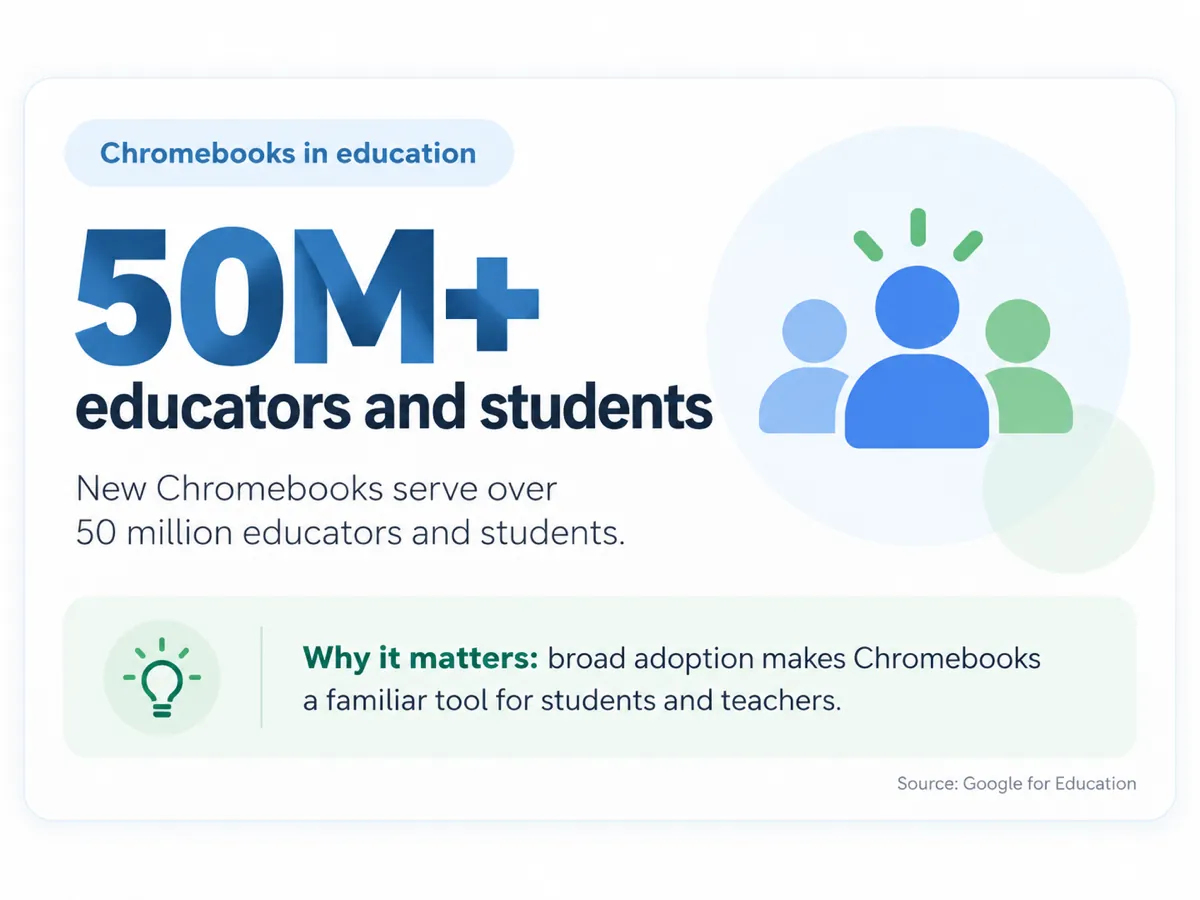
Over 50 million educators and students use Chromebooks, so for
most people reading this, the school device is a Chromebook.
Source:
Google for Education.
1. The page that opens when Chrome starts
Open Chrome and click the three-dot menu →
Settings.
In the left sidebar, choose On startup.
Select Open a specific page or set of pages,
then Add a new page.
Paste
besthomepageever.com and
click Add.
2. The home button
This is a separate setting, which is why changing the startup
page often looks like it did nothing. Go to
Settings → Appearance, turn on
Show home button, and enter the same URL. Now
the house icon goes where you want instead of to Google.
3. The new tab page — the part most guides get wrong
Chrome has no setting that lets you type a
custom URL for the new tab page. Not on ChromeOS, not anywhere.
Every guide that tells you to “set your new tab page in
Settings” is describing a menu that doesn't exist in
Chrome. The only supported way to change it is an extension, so
I built
a free one that does exactly that
and nothing else.
If the settings are greyed out
On a district-enrolled Chromebook, an administrator can lock the
startup page, the home button, and extension installs by policy.
When that's happening the settings are still visible but greyed
out, usually with a small building icon and “Managed by
your organization” next to them.
It helps to know the lock isn't aimed at you. San Diego Unified
alone deployed more than 47,000 Chromebooks, and at that scale
settings get set centrally because there is no other way to run
it — nobody is walking 47,000 machines through a settings
menu. (Google Education Blog)
You can check in about ten seconds:
Type chrome://management in
the address bar — it tells you whether the device is
enrolled, and who manages it.
Type chrome://policy to see
the specific rules being applied. If
RestoreOnStartupURLs or
NewTabPageLocation appears
in that list, those settings are being set for you and you
can't override them from inside Chrome.
If that's your situation, don't fight it — a bookmark on
the bookmarks bar gets you most of the same benefit in one
click, and it doesn't require anyone's permission. If you're the
teacher and you want it across a whole cart of devices, the
request that actually works is asking your IT admin to add the
URL to the startup pages policy for that device group. That's a
small change on their side, and it's one they make routinely.
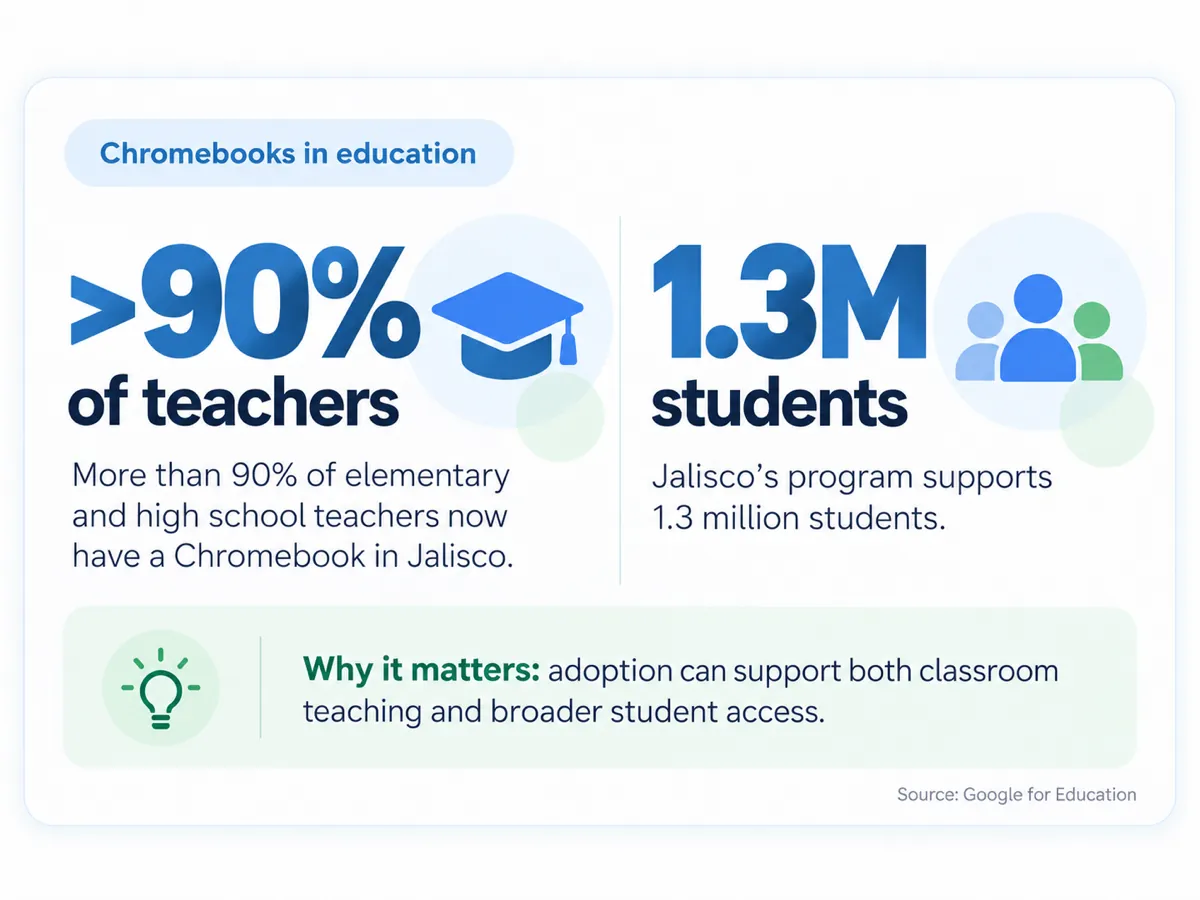
It isn't only students on managed Chromebooks — in
Jalisco, over 90% of elementary and high school teachers have
one too. If your own settings are locked, that's normal, and
your admin is the person who can change it. Source: Google for
Education.
Will my school's IT department block this?
Honestly, I don't know - maybe. My guess is every school is
different, and it depends on how you've set it up for a class.
Here is everything I know that's relevant to somebody evaluating
this for a school, including the parts that don't help my case.
It's just a website, not an app. There's
nothing to install and nothing that loads on the page isn't
set by person using it.
There's no school agreement. I don't have a
signed Data Privacy Agreement, I'm not on any state's approved
vendor list, and there's no district onboarding process.
There's no student account type, no
rostering, no SSO, and no teacher dashboard. An account here
is the same account anyone else gets, FOR NOW. I may be adding
a teacher account soon if there is interest.
My privacy policy states the service isn't directed at
anyone under 13, and I don't knowingly collect personal information from
under-13s.
the privacy policy
You can use it without an account. Logged
out, your links are saved in the browser on that device. An
account only exists so the same setup follows you to another
machine.
I use analytics. Google Analytics and
Microsoft Clarity, which includes session replay of how pages
are used. That's ordinary for a website and it's disclosed in
the privacy policy, but if you're assessing this formally,
it's the line item you'll want to look at.
Worth understanding the incentives here: districts standardise
on Chromebooks because it saves real money at real scale —
San Diego Unified reported nearly $10 million in savings on its
1:1 rollout (Google Education Blog) — and the same central management that makes that
possible is what locks the browser settings. The cost saving and
the greyed-out menu are two sides of one decision.
None of that stops a teacher using it for their own page on
their own computer, which is how most people reading this will
use it.
What I'd create next, if you tell me to
Here's the honest part. My site wasn't built for schools, and I
don't know which of these would actually help. I have guesses,
and they're likely to change as I hear from teachers and
students.
A page a teacher sets up once and shares with a class by link,
so thirty people don't each build it.
A way to fix the set of links, so the page stays as the
teacher arranged it.
Research related? Project specific?
I genuinely don't know if any of that is useful or if it solves
a problem nobody has. If you teach, or you're the person who
sets up the machines,
tell me what would actually help. I read everything that comes in, and it's the only way this
page gets better than my best guess.
Frequently Asked Questions
Is it free for students and teachers?
Yes. Everything described on this page is free, and you
don't need an account to start - your links save in the
browser. An account is only needed if you want the same
setup to follow you to another device.
Does it work on a Chromebook?
Yes. It's a website, not an app or an extension, so it runs
in Chrome on ChromeOS the same as anywhere else. You can set
it as the page Chrome opens on startup, and as the home
button. The new tab page is the exception — Chrome has
no setting for a custom new tab URL, so that one needs the
free extension. On a district-managed Chromebook an admin can lock all of
these by policy.
Does it replace Google Classroom or Canvas?
No, and it isn't trying to. Those handle assignments,
grading, and rosters. This is the page you land on first,
with a link straight into whichever of them your school
uses.
Is a start page the same as a homepage?
Yes. Homepage, home page, and start page all describe the
page your browser opens, and people use them
interchangeably. The one worth separating is the
new tab page, which is a different browser
setting - changing your home page does not change it.
Why can't I change the new tab page on my school
Chromebook?
Two different reasons, and it's worth knowing which one
you're hitting. First, Chrome has no built-in setting for a
custom new tab URL for anyone - that's not a school
restriction, it's how Chrome works, and it's why the only
supported way to change it is an extension. Second, if the
extension itself won't install, your device is enrolled and
an administrator has restricted extensions by policy. Type
chrome://management
in the address bar to see which situation you're in.
Can a teacher set up one page and share it with the whole
class?
Not as a single shared page today - that's the feature I'm
most often asked for and it doesn't exist yet. What works
now is that each student sets up their own page in a couple
of minutes, or you project your own setup once and have the
class copy the handful of links that matter. If a shareable
class page would actually change whether you'd use this,
tell me, because that feedback is what decides what I build
next.
Do students need an account, and what happens to their
data?
No account is needed. Logged out, the links a student adds
are stored in that browser on that device and nothing is
sent to me. An account exists only so the same setup follows
you to a different machine. My privacy policy also states
the service isn't directed at anyone under 13, so for
elementary use please read it yourself before recommending
it to students.
Is there a version approved for school districts?
No. There's no Data Privacy Agreement, no approved-vendor
listing, no rostering and no admin console. It's a
general-audience homepage I build and run on my own. Plenty
of teachers use it for their own page on their own machine,
which needs none of that - but if your district requires a
signed agreement before a site can be put in front of
students, this doesn't meet that bar today, and I'd rather
tell you now.
Is this an official education product?
No. It's a general-audience homepage that I build and run on
my own. There's no school agreement, no district onboarding,
and no classroom-specific account type. If you're
considering it for students, or yourself, make sure it's
okay to use it in your school.