How the search bar works now
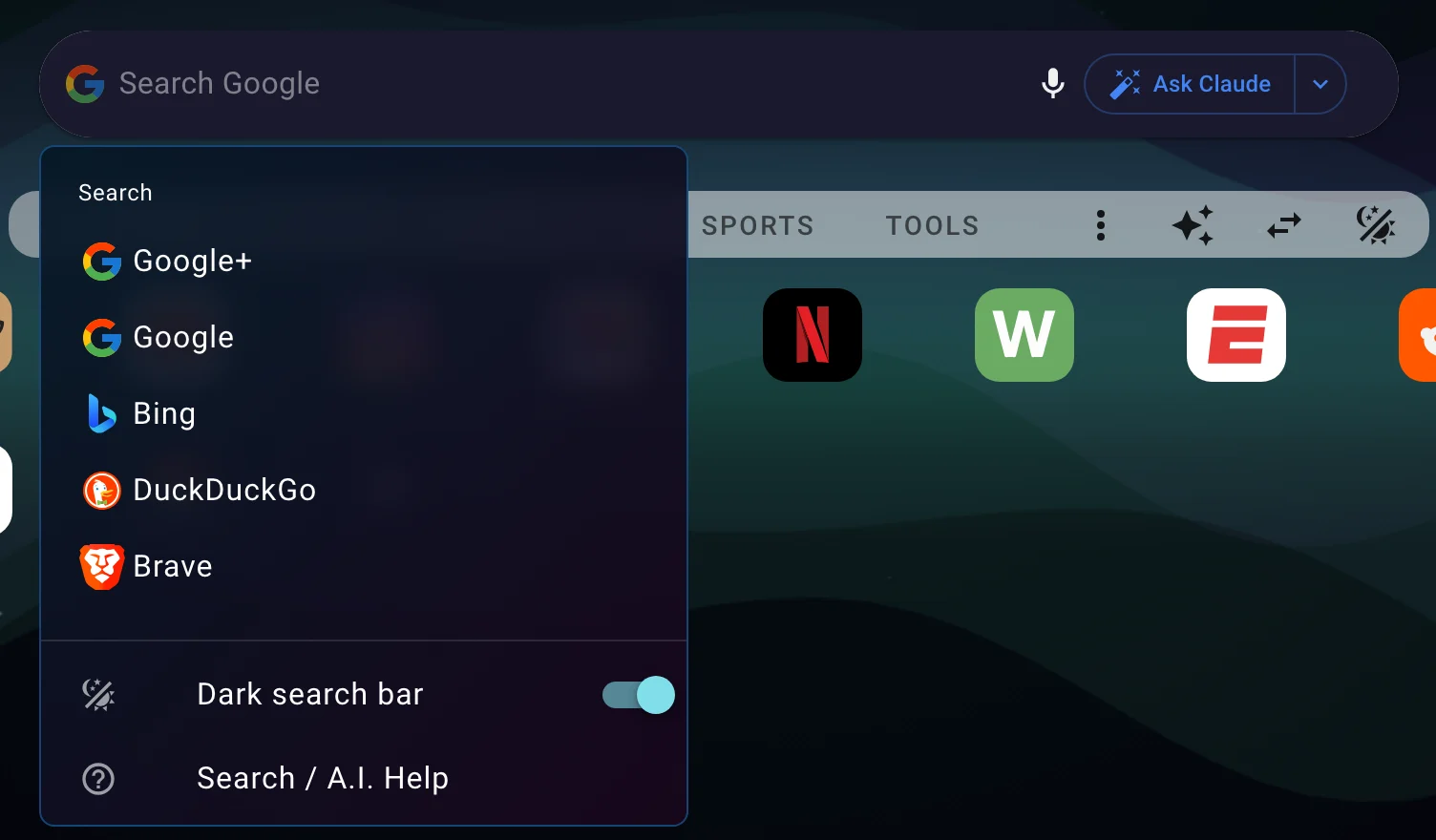
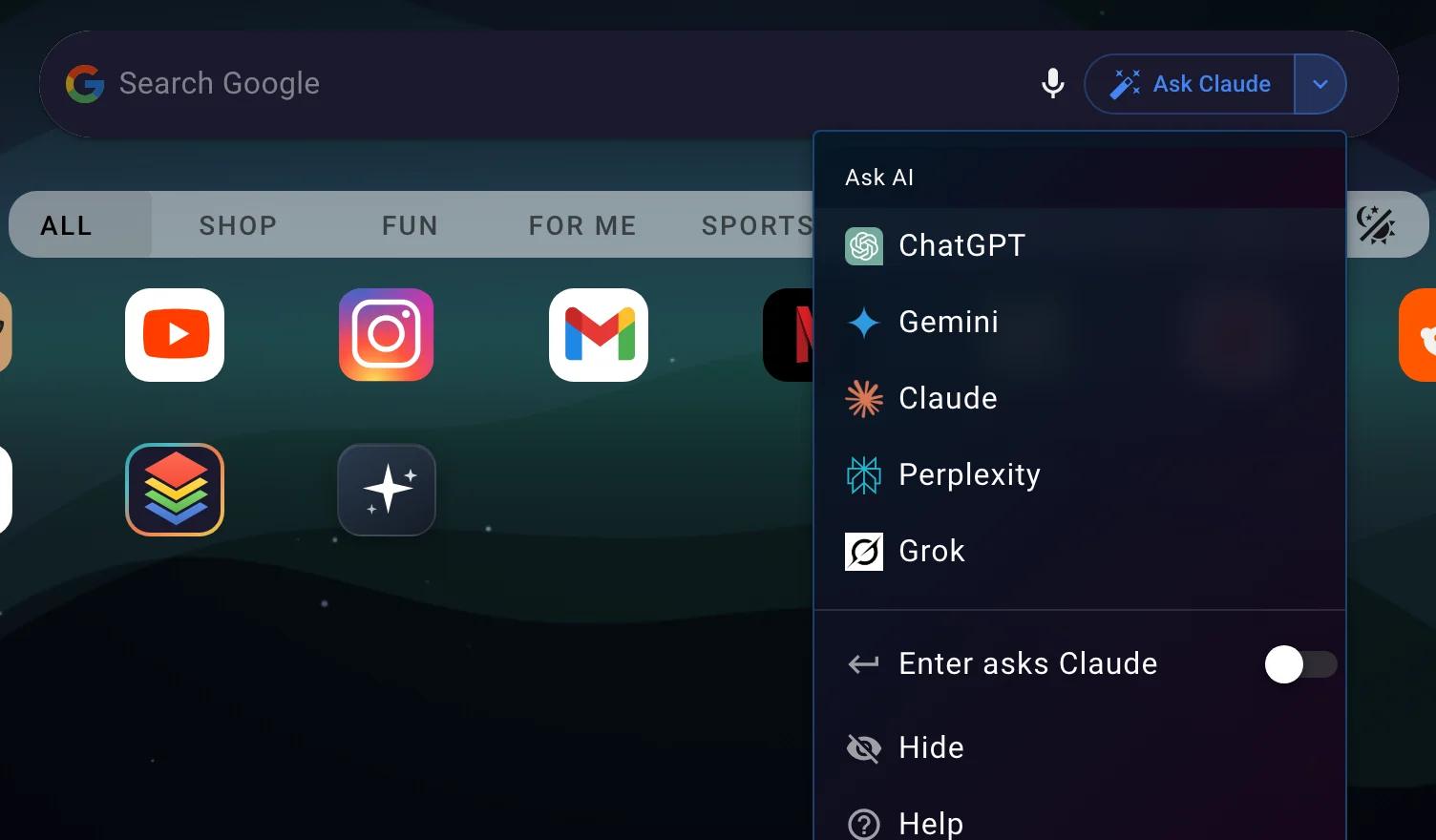
Two menus, two verbs. The left icon picks where a search goes. The right button picks who you ask.
Type once. The bar tells you what each key will do.
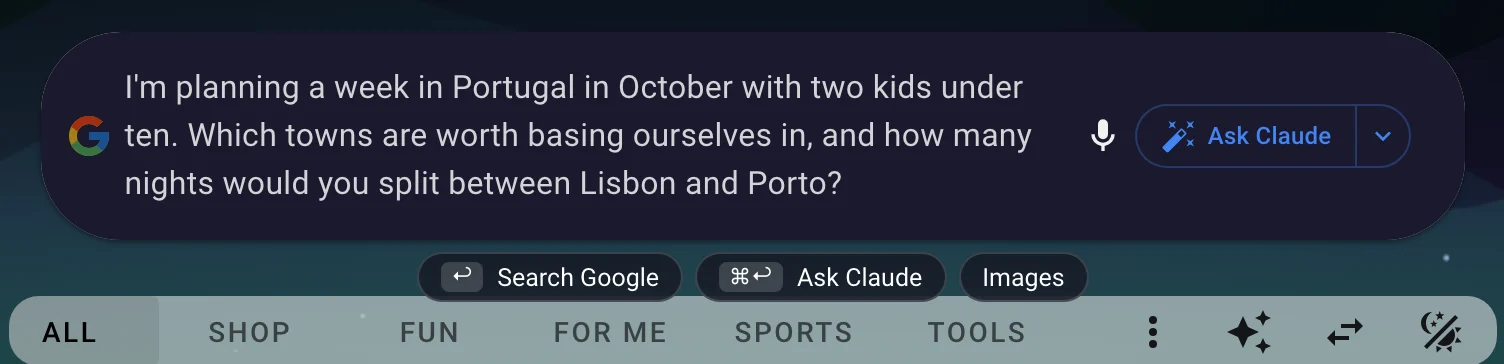
As soon as you start typing, two small chips appear under the bar. They read whatever you've picked in the menus, so for me that's "Search Google" and "Ask Claude". Each chip shows the key that triggers it, using the right symbol for your computer (⌘ on a Mac, Ctrl on Windows). The chips are also buttons, so you can click one instead of using the keyboard. Don't want them? Turn off Search Hints in Settings under Search / A.I. The shortcuts keep working either way.

Enter searches. ⌘ Enter or Ctrl Enter asks.
Pressing Enter runs a search with the engine on the left. Holding ⌘ (Mac) or Ctrl (Windows) while you press Enter sends the same text to your AI assistant in a new tab. Clicking the Ask button does exactly what the shortcut does.
Prefer AI first? Flip it.
Open the Ask menu (the arrow next to the Ask button) and turn on "Enter asks Claude", or whichever assistant you picked. Now Enter goes to the AI and ⌘/Ctrl+Enter runs the search. The chips swap places and the placeholder in the bar changes to "Ask Claude...", so you can always see which is which.

The Images chip
With Google, Bing, DuckDuckGo, or Brave selected, a third chip called Images runs the same text as an image search. Google+ doesn't get one, because Google+ shows its results on the homepage's own search page.
Don't want AI in the bar at all?
Open the Ask menu and pick Hide. The button, the shortcut, and the Ask chip all go away, and Enter always searches. You can bring it back any time in Settings (the gear icon) with "Ask AI Button".
Which AI services read what you typed?
Not every AI service lets a website hand it a question.
ChatGPT, Perplexity, and Grok accept the text as part of the link, so your question is already sitting in the chat box when the tab opens. Claude and Gemini don't. Claude dropped that ability in late 2025, and Gemini has never had it.
For those two I do the next best thing. When you ask, I copy your question to the clipboard and open a new chat. Paste it with ⌘ V or Ctrl V and you're off. A small note on the homepage confirms the copy so you know it worked.
| AI service | Account needed? | Reads the bar's text | What happens when you ask |
|---|---|---|---|
 ChatGPT ChatGPT |
Yes | Prefilled in the new tab | |
 Perplexity Perplexity |
No (optional) | Prefilled in the new tab | |
 Google Gemini Google Gemini |
Yes | Copied: paste with ⌘ V / Ctrl V | |
 Claude Claude |
Yes | Copied: paste with ⌘ V / Ctrl V | |
 Grok (xAI) Grok (xAI) |
No | Prefilled in the new tab |
Why the search engine menu only has search engines now
The old bar also let you put ChatGPT, Perplexity, or Grok in the search engine menu. That meant the same AI could live in two places, and it was never obvious which one Enter would use. Now the left menu is search only and the right menu is AI only, and the chips under the bar spell out the rest.
If you had an AI set as your search engine, I carried that over: Enter now asks that assistant, and Google is your search engine. Nothing to redo.
Room for longer prompts
The bar grows to fit your whole question.
As more people use the search bar for AI prompts and detailed questions, I noticed that longer text would scroll off-screen, hiding the beginning of your question. Now, the search bar automatically expands to show your full text across multiple lines, so you can always see exactly what you're asking.
Which setup should I use?
Everyone is different, but it comes down to three setups.
Search first
The default. Enter runs Google, and ⌘/Ctrl+Enter sends the same text to Claude. Best if you still search a lot but want AI one keystroke away.
AI first
Turn on "Enter asks" in the Ask menu. Enter goes straight to your assistant, and ⌘/Ctrl+Enter still runs a normal search for the times you want a plain list of links. Good if you rarely use a search engine anymore.
Search only
Hide the Ask button. You get the classic bar, and every AI service is still one click away in the homepage footer.
Frequently asked questions
What does pressing Enter do in the search bar?
By default, Enter runs a web search with the engine you picked on the left. Cmd+Enter on a Mac or Ctrl+Enter on Windows sends the same text to your AI assistant. The chips under the bar show the current mapping while you type, and you can click them instead of using the keyboard.
How do I make Enter ask AI instead of searching?
Click the arrow next to the Ask button and turn on "Enter asks" for your assistant. Enter then goes to the AI, and Cmd/Ctrl+Enter runs a search. The placeholder text in the bar changes to "Ask ChatGPT..." (or whichever assistant you chose) so you always know which way it's set.
Why did Claude or Gemini open without my question?
Neither service accepts a question inside the link, so when you ask, I copy your question to the clipboard and open a new chat. Paste it with Cmd+V or Ctrl+V. ChatGPT, Perplexity, and Grok do accept it, so with those the question is already filled in.
Where did ChatGPT go in the search engine menu?
The search engine menu is search only now: Google+, Google, Bing, DuckDuckGo, and Brave. All five AI services live in the Ask menu on the right. If you had ChatGPT, Perplexity, or Grok set as your search engine, that preference was carried over as "Enter asks" with the same assistant, so Enter still does what it did before.
How do I turn the Ask button on or off?
Open the Ask menu and pick Hide to remove it. To bring it back, open Settings (the gear icon) and turn on "Ask AI Button". While it's hidden, Enter always searches and the shortcut does nothing extra.
Which AI services can I use without creating an account?
Perplexity and Grok both work without any account. You can type a question and get an answer right away. ChatGPT, Claude, and Gemini all require you to sign in before you can use them.
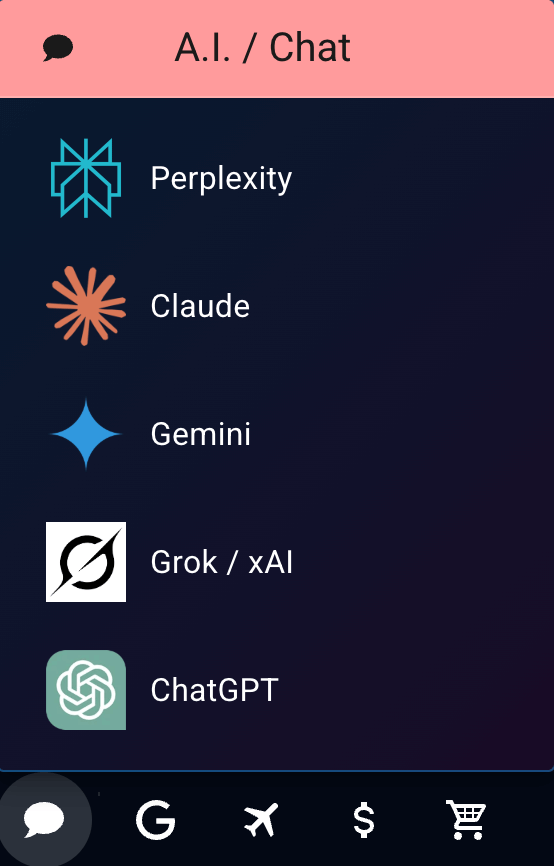
AI is in your footer too
Remember, you can always reach AI services through the footer of your homepage. And if you no longer need them listed there, you can hide this icon in the footer display settings.
While you're personalizing things, you might also enjoy my animated homepage backgrounds: living, looping wallpaper you can turn on with one click.