
Portal is a lite, but powerful extension that lets you instantly add any website to Best Homepage Ever. Perfect for adding sites you either frequent a lot, or want to remember to visit later.
Instantly add websites while you browse (two ways)
Left-Click Extension Icon
Allows for more customization when adding sites to your homepage.
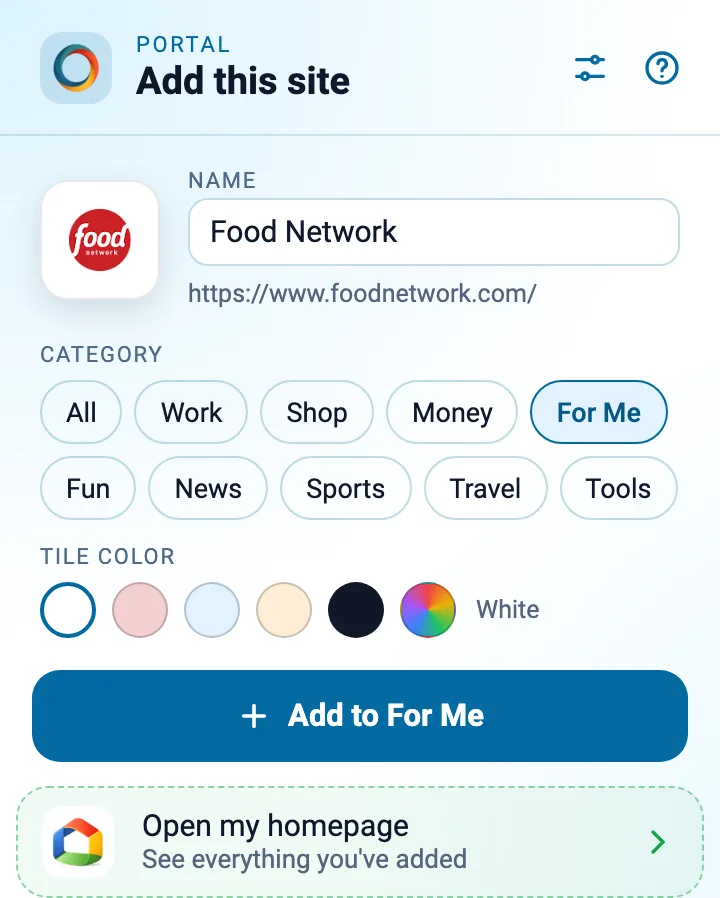
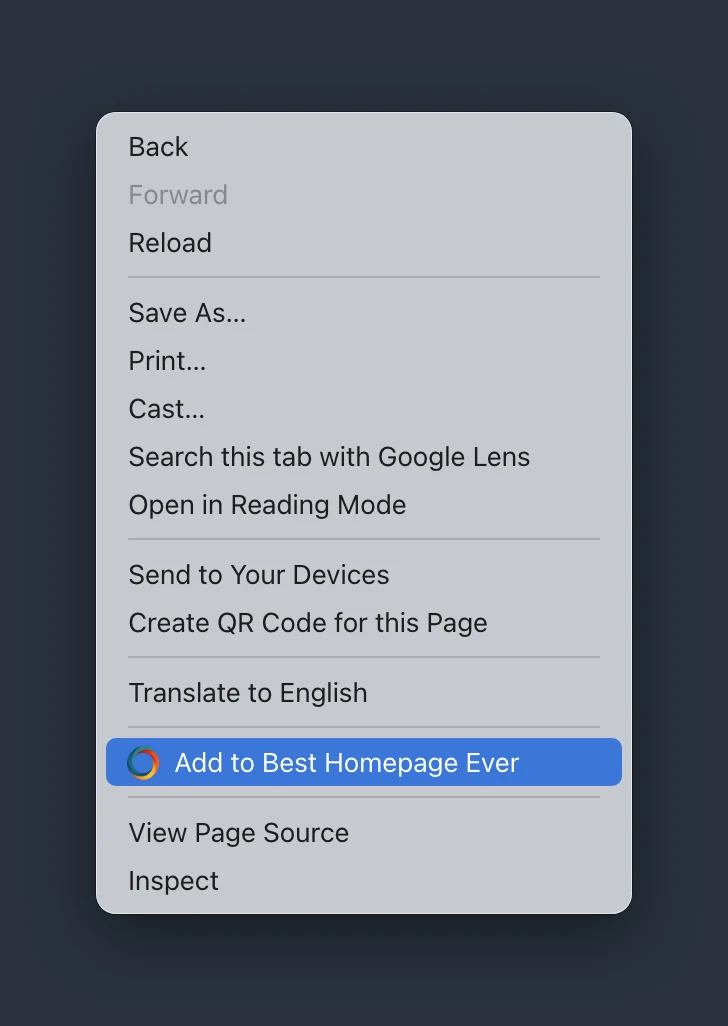
Right-Click on Sites to "Quick" Add
You can also simply right-click on any webpage and select "Add to Best Homepage Ever"
Help & Troubleshooting
Using Portal in Safari on a Mac
Portal for Safari comes in my free Best Homepage Ever app on the Mac App Store, together with PinDrop.
- Don't see Portal in Safari? Safari installs extensions turned off. Open the Best Homepage Ever app and follow its setup, or choose Safari → Settings → Extensions and tick Portal.
- It says you're not signed in? Portal needs access to besthomepageever.com to pick up your sign-in. When Safari asks, choose Always Allow on Every Website and confirm it, then reload your homepage. If you chose a shorter option before, open Safari → Settings → Websites, choose Portal under Extensions at the bottom of the list, and set For other websites to Allow.
- Stopped working after an update? The app updates through the App Store. Quit Safari and open it again, then check that Portal is still ticked in Safari → Settings → Extensions.
- Does the app need to stay open, or in the Dock? No. Once Portal is turned on, quit the app whenever you like; Safari runs the extensions on its own. Keep the app in your Applications folder, though: deleting it removes Portal and PinDrop from Safari.